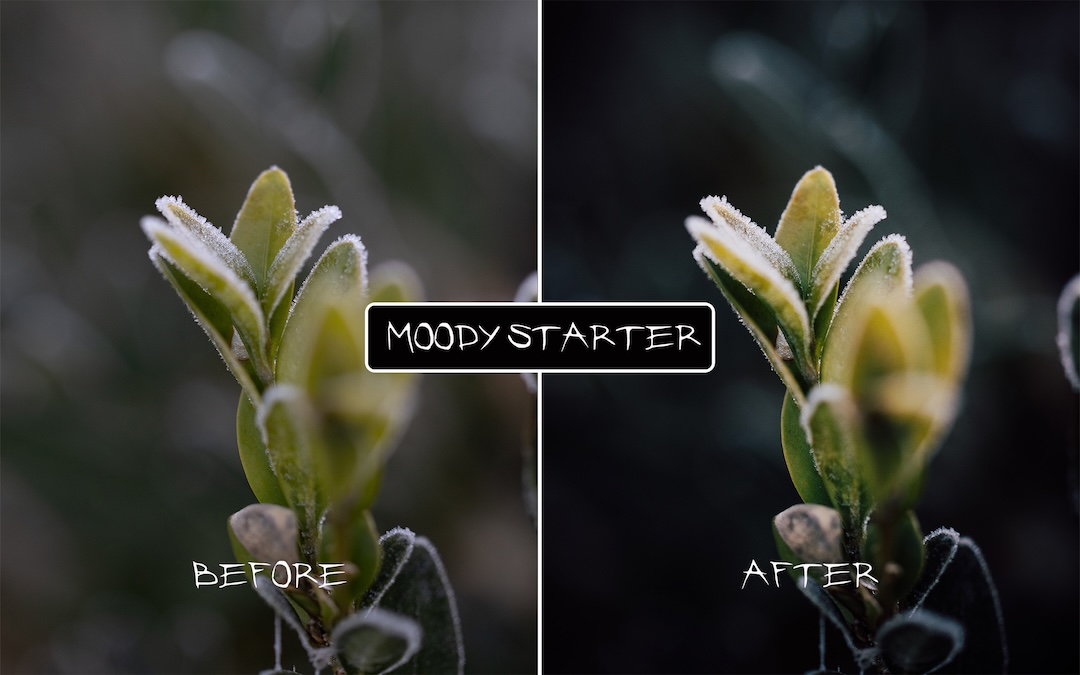
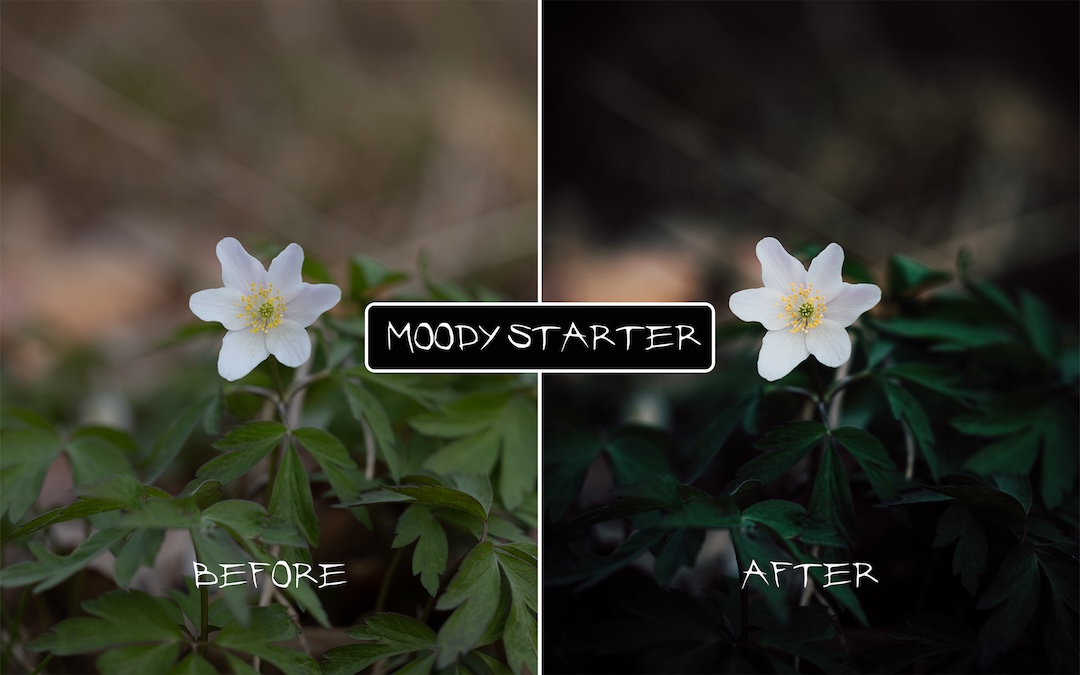
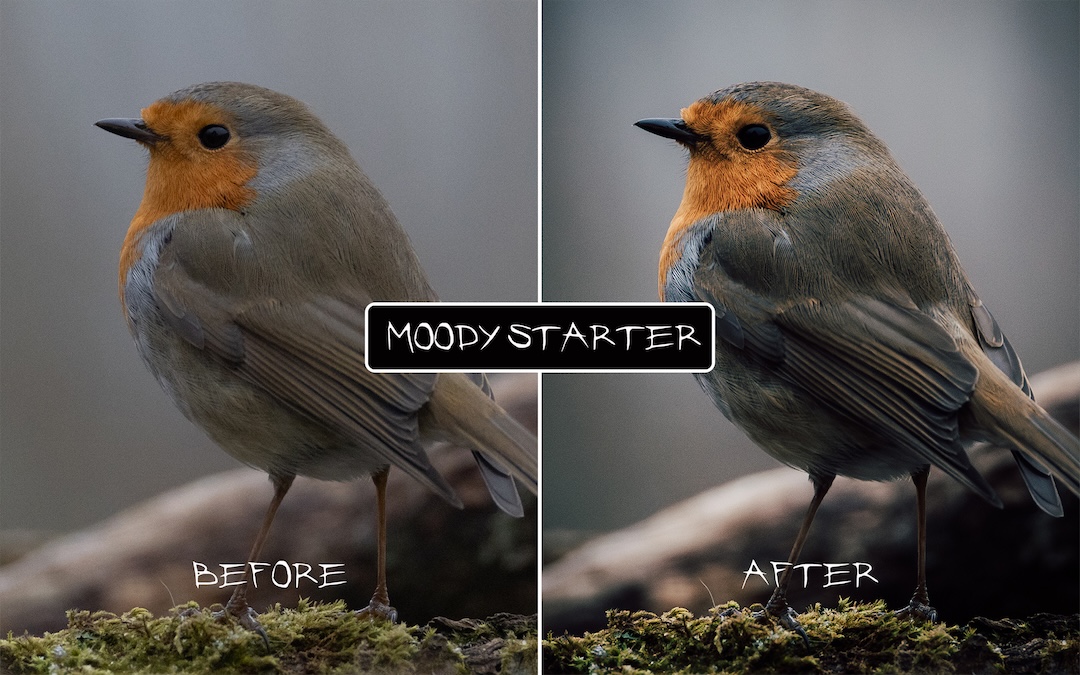
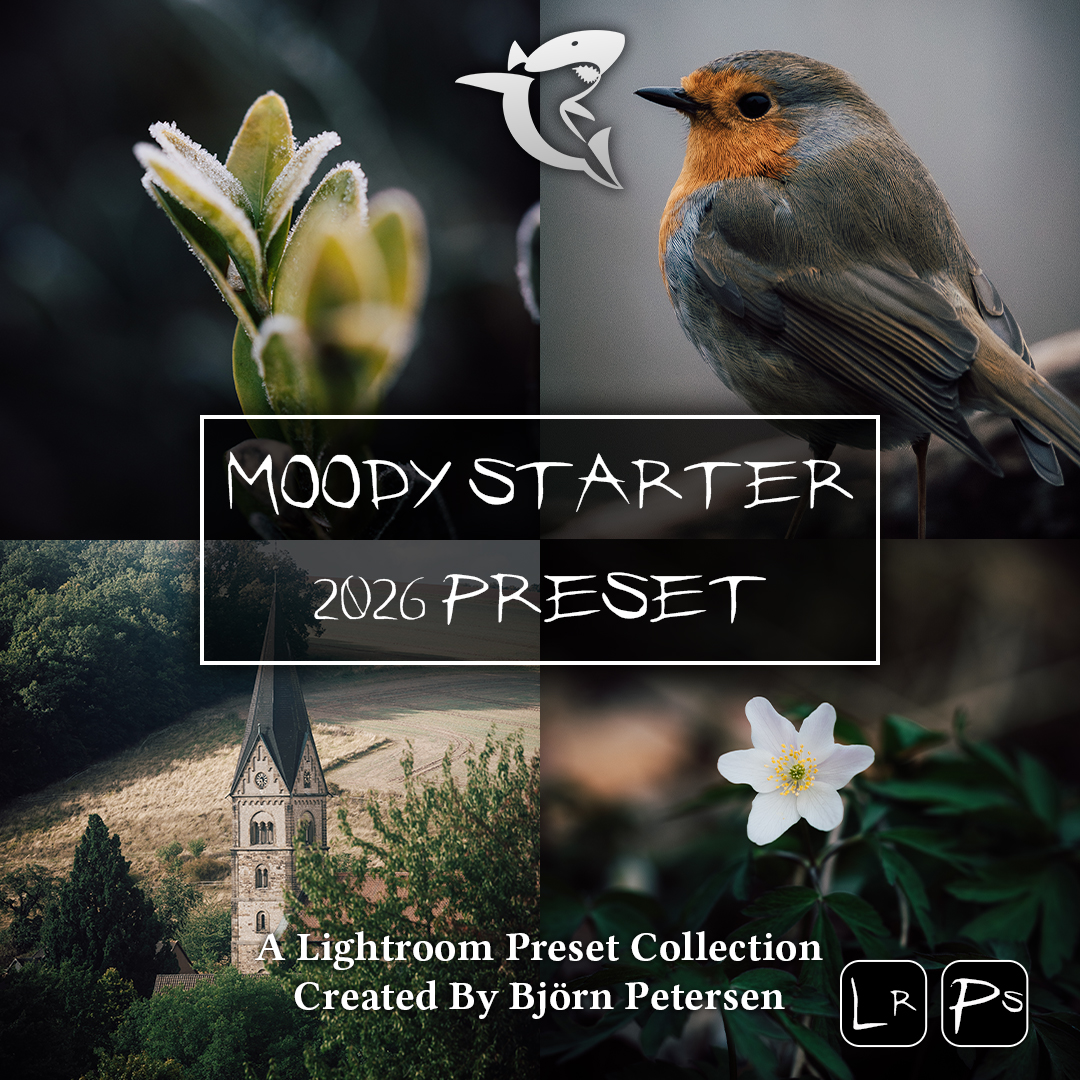
Moody Starter 2026 Preset Pack

0,99 

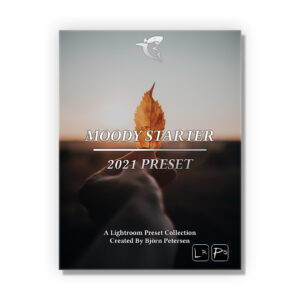
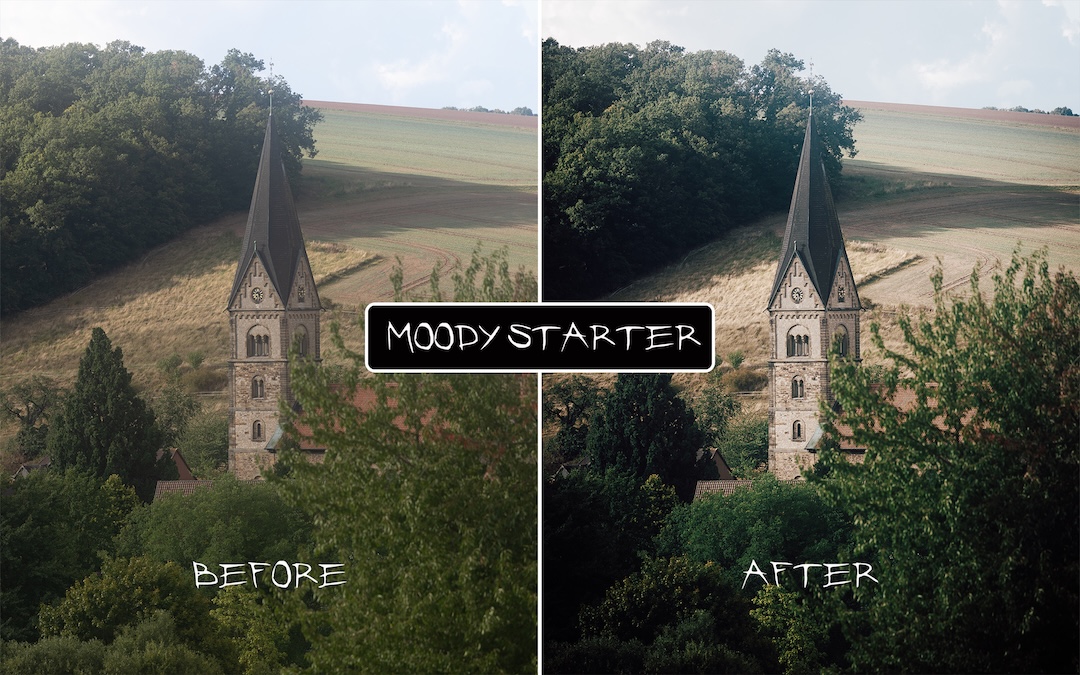
The Moody Starter 2026 Preset Pack!

2 High Quality Presets. 1 for Adobe Lightroom PC/Mac (.xmp Files) and 1 for Lightroom Mobile (.dng Files)

If you want to check out some photos I’ve edited with my Lightroom Presets – just follow me on Instagram: @petersen.bjoern

Description

The Moody Starter 2026 Preset Pack!

2 High Quality Presets. 1 for Adobe Lightroom PC/Mac (.xmp Files) and 1 for Lightroom Mobile (.dng Files)

Presets Included:

Moody Starter 2026 Preset Pack:
01 – BPTV — Moody Starter 2026
02 – BPTV — Moody Starter 2026 [MOBILE]

You can use them as a starting point or even to simply bulk-edit your photos. Of course these Lightroom Presets are perfect for a variety of photos including Nature, Landscape, Outdoor, Travel & Portrait Photography.

To get the best results you should always shoot in RAW.
Editing: Adjust the EXPOSURE, WHITE BALANCE, CONTRAST or Intensity! Make sure to play around at least with these settings to get the most out of your pictures.

More Information: Check out the “Additional Information” Q&A-Tab

Additional information

1. What do I need to use these Lightroom Presets?

You need Lightroom PC/Mac or Lightroom Mobile. This additional software is not part of our services.

2. What’s included in this Pack?

Presets Included:

Moody Starter 2026 Preset Pack:
01 – BPTV — Moody Starter 2026
02 – BPTV — Moody Starter 2026 [MOBILE]
Presets are created using the Adobe Lightroom Version 15.2

3. Are these Presets customizable?

Yes! Of course you can change all kind of settings in your editing process. I highly recommend to use these Presets at the beginning of the Color Correction. Make sure to play around at least with the EXPOSURE, WHITE BALANCE and CONTRAST to get the most out of your pictures.

4. How To Install Lightroom Mobile Presets?

Check out our FAQ: https://shop.digitalabsorption.de/index.php/help-faq/

5. How to get the best results?

To get the best results you should always shoot in RAW.
Editing: Don't forget to adjust the EXPOSURE, WHITE BALANCE and CONTRAST! Make sure to play around at least with these settings to get the most out of your pictures.

6. Can I get a refund after purchase?

Due to the digital nature of this template, all sales are final. There are no refunds available.

7. System Requirements:

System Requirements Lightroom Classic (February 2026)

Windows:
Intel® or AMD processor (2 GHz or faster with SSE 4.2 or later and 64-bit support) or ARM processors (via emulation)
Windows 10 (version 22H2) or Windows 11 (version 23H2 or later)
8 GB RAM
Intel or AMD CPUs having AVX2 support
8 GB of available hard disk space; additional space is required for installation
Monitor Resolution: 1024 x 768 display
Graphics Card: GPU with DirectX 12 support – 2GB of GPU memory
Internet Connection

macOS
Multicore Intel processor (2 GHz or faster with SSE 4.2 or later, and 64-bit support) or Apple Silicon processor
macOS Sonoma (version 14.x) or later
8GB RAM
8 GB of available hard-disk space; additional space is required for installation – Lightroom Classic will not install on case-sensitive file systems or removable flash storage devices
Monitor Resolution: 1024 x 768 display
Graphics Card: GPU with Metal support – 2GB of GPU memory
Internet Connection

System Requirements Photoshop (February 2026)

Windows:
Multicore Intel® , AMD, or WinARM processor
Win 11 v24H2, v23H2, Win 10 v22H2, v21H2 LTSC
RAM – 8GB
Intel or AMD CPUs having AVX2 support
Intel or AMD platforms having SSE 4.2 or higher support
GPU with DirectX 12 – 1,5 GB of GPU memory – GPU newer than 7 years. Keep drivers updated with the latest from manufacturer's website. Adobe does not test with GPUs older than 7 years.
Monitor Resolution: 1280 x 800
Video RAM – 1.5 GB
10 GB of available hard disk space
Internet Connection

macOS:
Multicore Intel® or Apple Silicon processor
macOS v26, v15.x, v14.x
RAM – 8GB
Intel or AMD CPUs having AVX2 support
Intel or AMD platforms having SSE 4.2 or higher support
Monitor Resolution: 1024 x 768
Video RAM – 1.5 GB
10 GB of available hard disk space for installation; additional free space required during installation (cannot install on a volume that uses a case-sensitive file system)
Internet Connection

0
    0
    Your Cart
    Your cart is emptyReturn to Shop
    Products you might like
      Apply Coupon