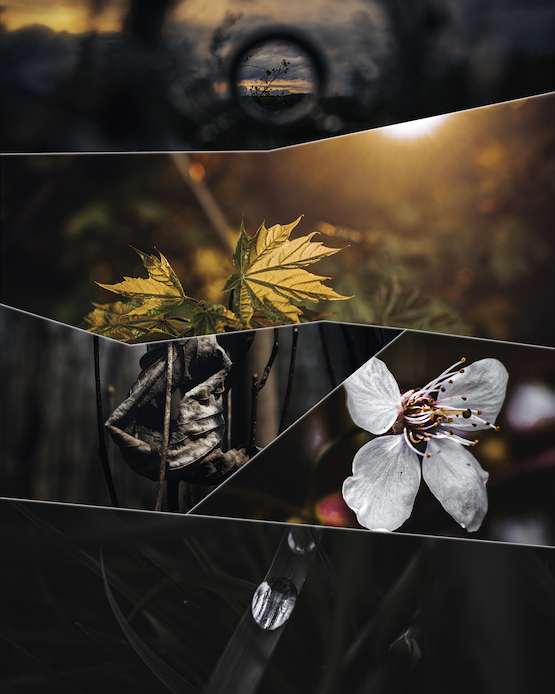
Description
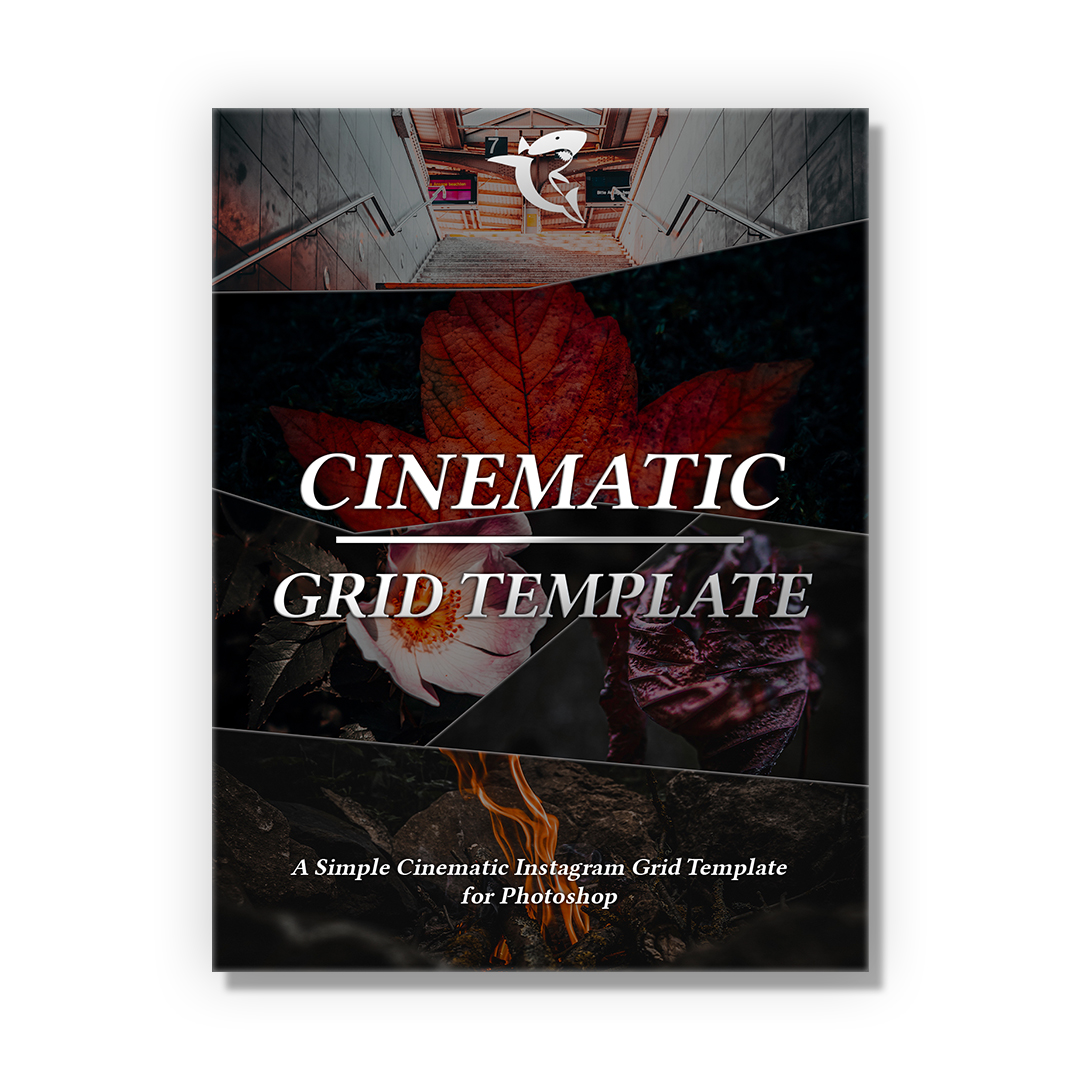
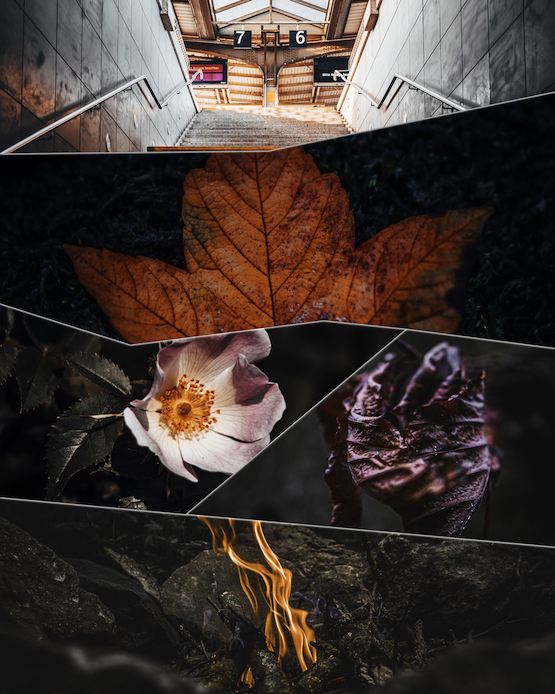
A Simple Cinematic Instagram Post Template for Photoshop.
What is included?
– One Cinematic Instagram Post Template Photoshop File
Q&A
This template is designed to be used in Photoshop so you can create your own Cinematic Instagram Post as easy as possible. This additional software is not part of our services.
You’ll get access to a Photoshop document that includes additional Layer to create your Cinematic Instagram Post.
Template created with the Adobe Photoshop Version 22.4.2. This additional software is not part of our services.
- To create your own Cinematic Instagram Post simply open the folders for each Image-Layer.
- Add your photo and connect the photo to the Layer: Hold ALT and Click between the photo and the Layer.
- Repeat the steps for each layer.
- Export your Image.
Due to the digital nature of this template, all sales are final. There are no refunds available.
System Requirements Photoshop: (June 2021)
Windows:
Intel® or AMD processor with 64-bit support; 2 GHz or faster processor with SSE 4.2 or later
Windows 10 (64-bit) version 1809 or later; LTSC versions are not supported
8 GB RAM
Graphics Card: GPU with DirectX 12 support – 2 GB of GPU memory
Monitor Resolution: 1280 x 800 display at 100% UI Scaling
Hard Disk Space: 4 GB of available hard-disk space / additional space is required for installation
Internet Connection
macOS:
Intel processor with 64-bit support; 2 GHz or faster processor with SSE 4.2 or later
macOS Mojave (version 10.14) or later
8GB RAM
Graphics Card: GPU with Metal support – 2 GB of GPU memory
Monitor Resolution: 1280 x 800 display at 100% UI Scaling
Hard Disk Space: 4 GB of available hard-disk space
Internet Connection